
Run an NPS survey
A complete recipe — from "I just installed the SDK" to "I have signal in the dashboard." End-to-end in about 10 minutes.
A 2-question NPS survey fired after checkout_completed, targeted at paying users, throttled to once every 90 days, with a Slack notification on every detractor (score ≤ 6).
1. Confirm the trigger event is firing
UserGist.track('checkout_completed', { amountUsd: 49 })Open Audience → Events in the dashboard. You should see checkout_completed in the live feed within a few seconds.
If you don't, double-check:
- The SDK is initialised (
UserGist.init) with the right write key for the app you're looking at. - You're not in a release build with
debug: falseand aren't waiting for the next flush — callUserGist.flush()to force-flush. - The dashboard is filtered to the same environment (
productionvsstaging) you're sending.
2. Create the segment
Audience → Segments → New segment.
Name it Paying users — checkout context.
{
  "all": [
    { "property": "user.plan", "op": "in", "value": ["pro", "enterprise"] }
  ]
}
Save. The preview shows the audience size — if it's 0, you haven't identified anyone with plan set yet. Mint a subject token from your authenticated test backend, then call identify('user_X', { plan: 'pro' }, subjectToken) from the test build.
3. Build the survey
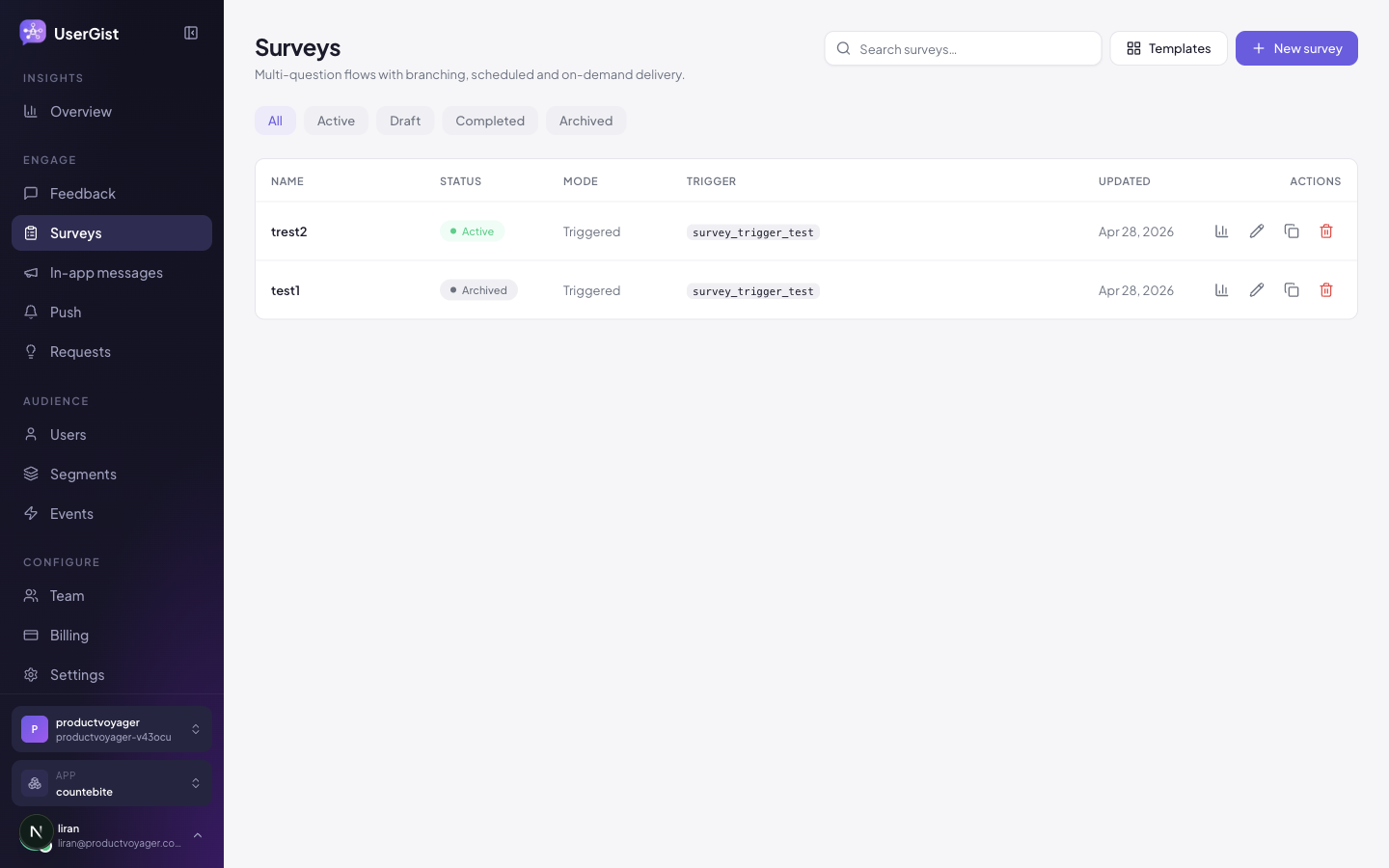
Engage → Surveys → New survey.
- 1
Pick the NPS template
Start from the NPS template — it ships with the right scale and labels.
- 2
Edit q1
Question: “How likely are you to recommend Acme to a friend or colleague?” Type:
nps. Required. - 3
Add q2 — open text
Question: “What's the main reason for your score?” Type:
text. Required = false, maxLength = 500. - 4
Add branching
On q1, set:
if score >= 9→ endif score <= 6→ q-detractor (a separate text question: “What's the one thing we can fix this week?”)else(passive 7–8) → q2
- 5
Trigger
Event trigger → pick
checkout_completed. Delay = 2 s (gives the post-purchase animation time to finish). - 6
Audience
Pick the Paying users — checkout context segment.
- 7
Throttle
Once every 90 days per user. NPS is a long-cycle metric; you don't want to over-survey.
- 8
Preview
Use the device preview to walk all three branches.
- 9
Publish
Switch to Live. The SDK syncs within
triggerSyncInterval(default 5 min). Force-resync on a debug build withUserGist.setDebug(true)and re-foreground the app.
4. Test on your device
In a test build:
const { subjectToken } = await yourBackend.getUserGistSubjectToken()
await UserGist.identify('me_test', { plan: 'pro' }, subjectToken)
UserGist.track('checkout_completed', { amountUsd: 49 })
The NPS sheet should slide up after the 2-second delay. Submit a 5 — it should branch to the detractor question.
5. (Optional) Notify Slack on detractors
Outbound webhooks are the easiest path. Configure a Slack incoming webhook URL, then register it at Settings → Webhooks:
POST https://hooks.slack.com/services/...
Content-Type: application/json

{
  "text": "🚨 NPS detractor: {{ user.email }} scored {{ response.score }} — {{ response.comment }}"
}
userGist will POST to that endpoint on every survey.response event matching your filter (in this case, survey_id = sv_xxx AND score <= 6).
See API → Webhooks for the full payload schema.
6. Watch the data
After a day or two:
- Open the survey detail page.
- Check the completion funnel — Started → Q1 → Q2 → Submitted.
- Skim raw responses for detractor comments — that's where the actionable signal lives.
- Export to CSV for a sentiment pass.
Common pitfalls
- Showing on app open. Trigger after a completed positive moment (purchase, milestone), not on cold start.
- No throttle. Without one, the same user can see NPS five times in a week. 90 days is a strong default.
- No segment. A user who hit three errors in the same session does not need an NPS prompt. Exclude with a segment matcher:
count(event = 'error_seen', last 1h) = 0.