
Help center
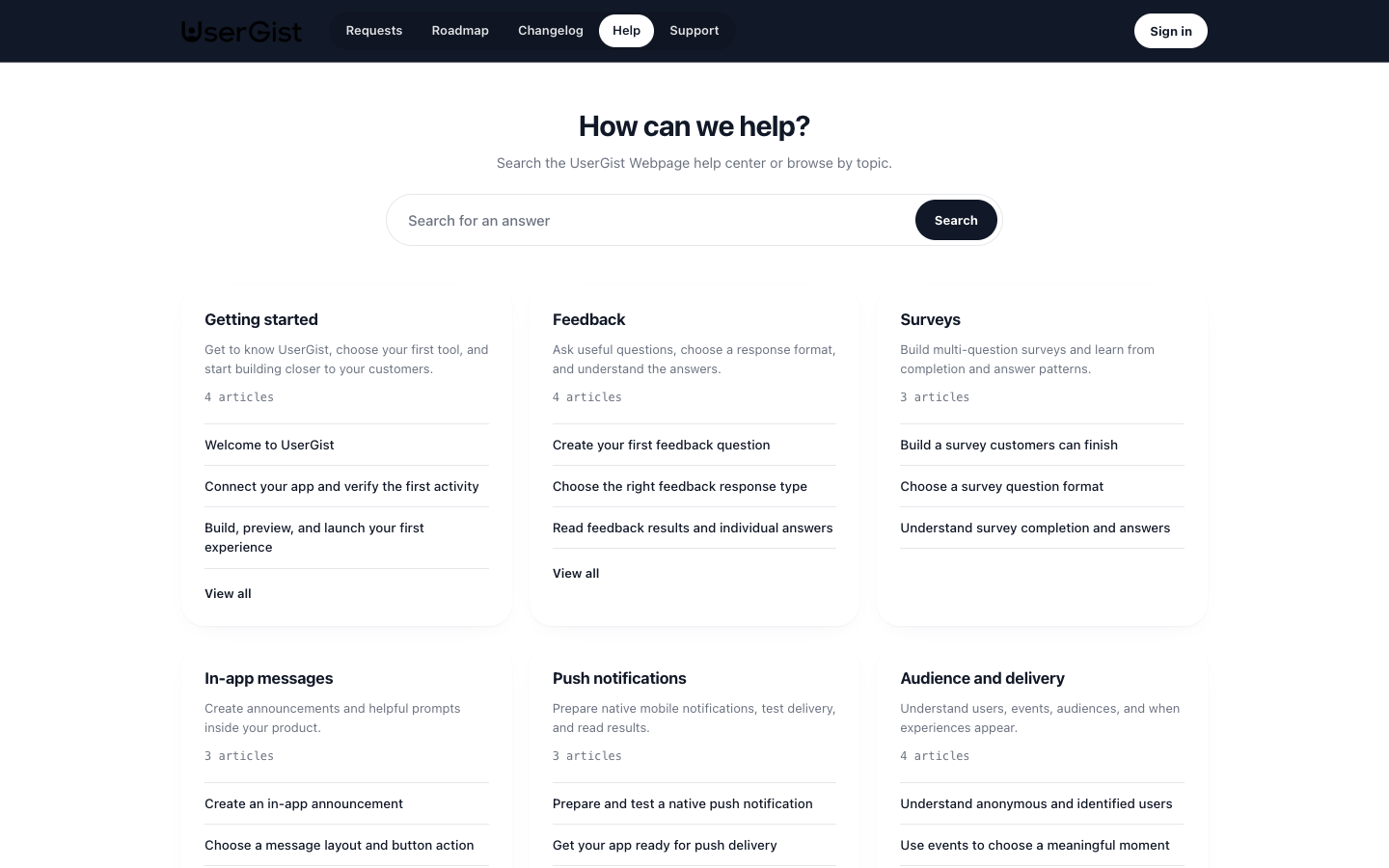
Give customers searchable guidance inside your Customer Portal. Organize articles into collections such as Getting started, Account settings, or Troubleshooting. Each app owns its own help content.
Create a collection
Open Customer Portal → Help center and create a collection. Add a title and short description. Collections group related articles and control how customers browse your help center.
Use the collection menu to rename it, edit its description, or move it up or down. Collection changes take effect directly; collections do not have the article draft-and-publish workflow. Only collections with published articles appear in the public help center.
Write an article
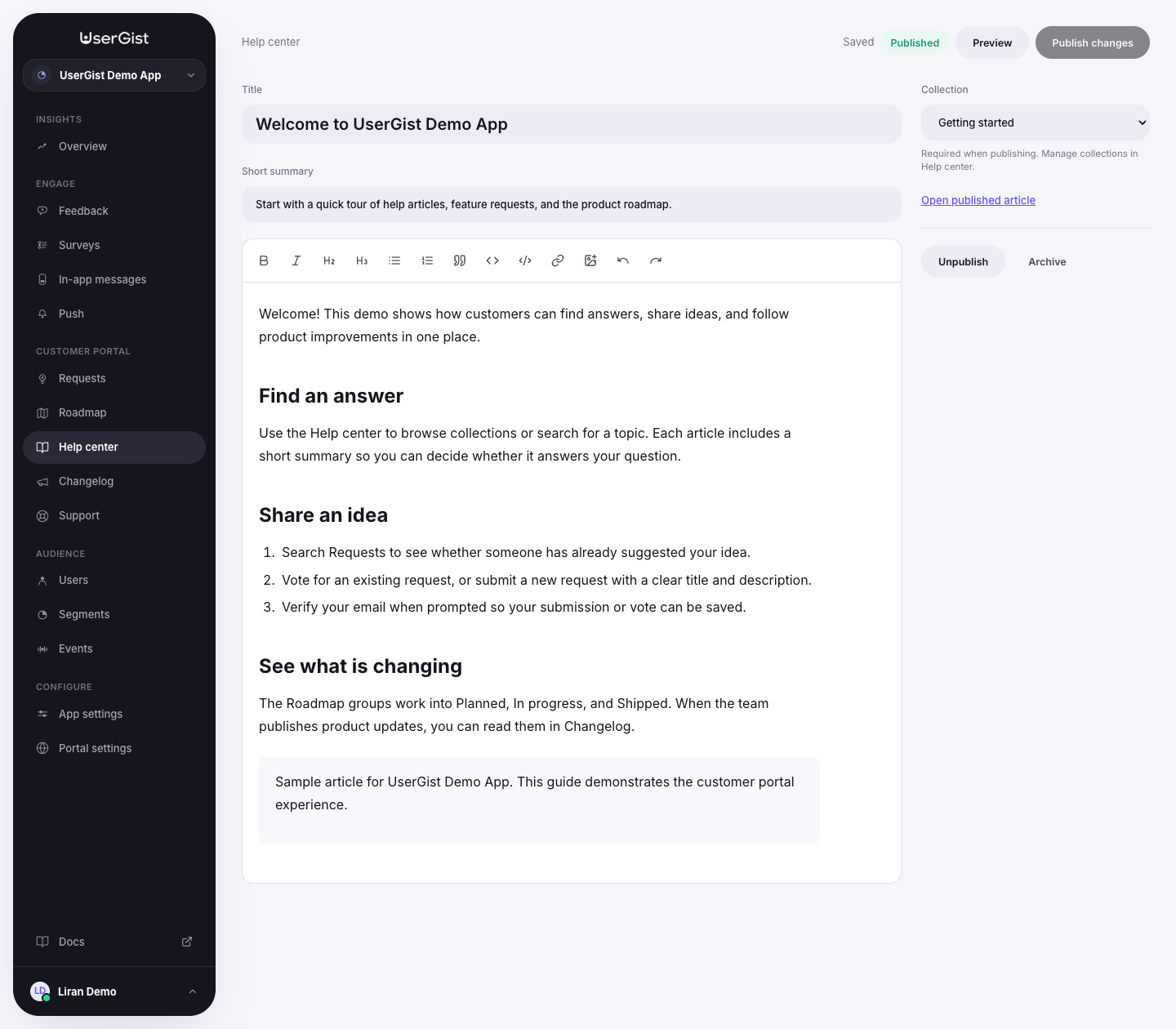
- Create an article, optionally starting within a selected collection.
- Add a title, short summary, and instructions.
- Choose its Collection.
- Add headings, lists, links, code blocks, and images where they help the task.
- Check the saved state, review Preview, and choose Publish.
Titles allow up to 160 characters and summaries up to 280. Image uploads accept PNG, JPG, and WebP files smaller than 8 MB. Add alternative text so the instructions remain understandable without the image.
Publishing requires a title, content, and an active collection. The company portal must be published and this app included, with portal content available in the environment.
Update a published article
The editor automatically saves your working draft. Customers keep seeing the last published version until you choose Publish changes. This includes changes to its collection. Use the private preview to review an update before making it public.
An article keeps its public address after a title change. Copy the live link from the published editor when sharing it with customers.
Organize and find answers
In the dashboard, search articles and filter by state or collection. Use the ordering controls to move articles within a collection. Customers can browse collections and search published articles on the portal.
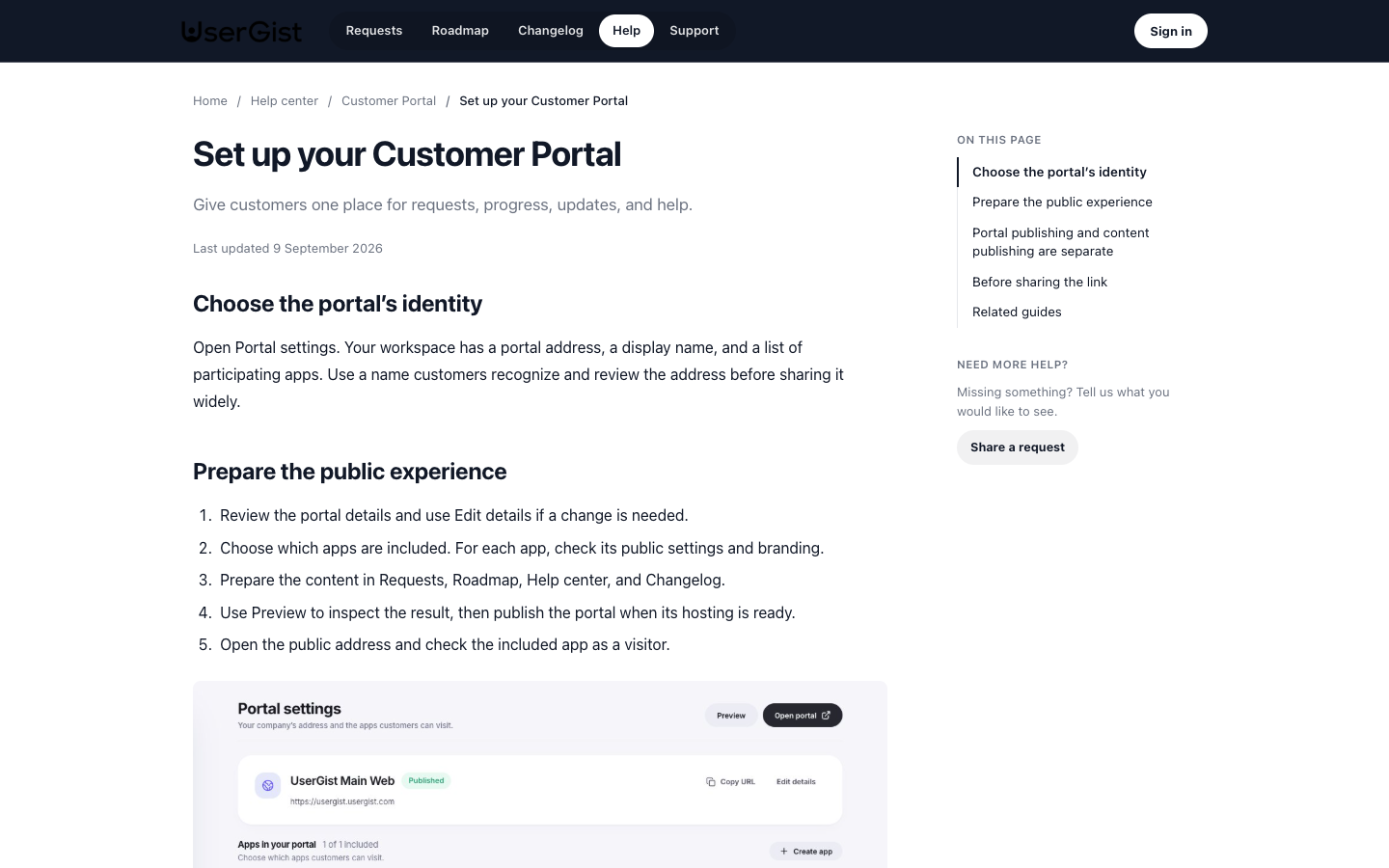
Unpublish makes an article private. Archive removes it from the active list and portal; it can be restored as a draft. To archive a collection, first move or archive its articles. Collections containing active drafts or published articles cannot be archived.
When an article is not enough
The help center publishes reusable answers. If a customer needs a private conversation, enable Support for the app. Support availability and settings are separate from help articles and collections.